
Clone Video
Analyze the structure and prepare a storyboard before confirming generation.
View detailsLATEST TUTORIAL VIDEO
Watch the complete setup process before creating images, videos, and running multiple tasks.
The video is embedded from YouTube so the website does not need to store or serve a large video file.
4 SIMPLE STEPS
Get started with MeoVideoAI on Windows without installing a development environment.
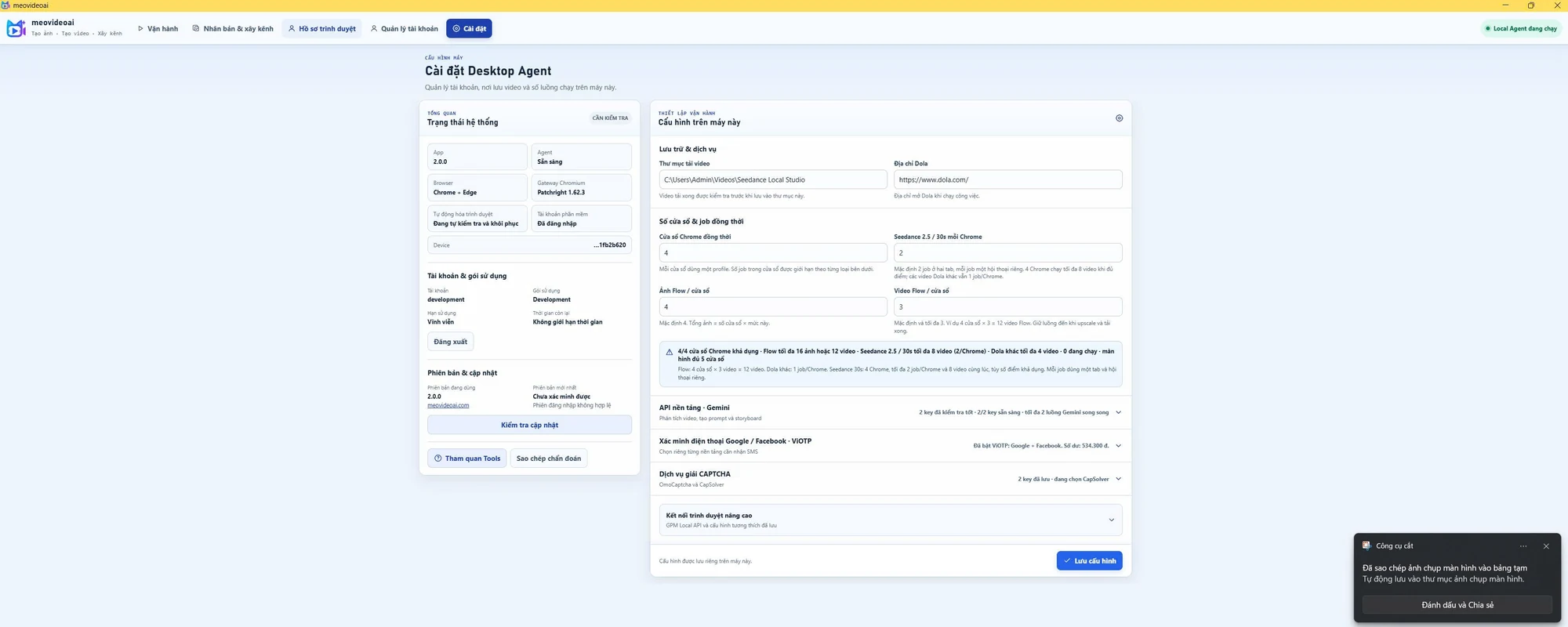
Sign in to the website, download the ZIP and extract all files into a new folder. Close the old Tools app, then open meovideoai.exe in the extracted folder.
Log in to the Tool with your website account. An eligible trial or license will be linked to your first device according to the current policy.
Connect your Seedance or Google Flow account directly in Studio. Passwords, cookies, OTPs, and browser profiles stay on your computer.
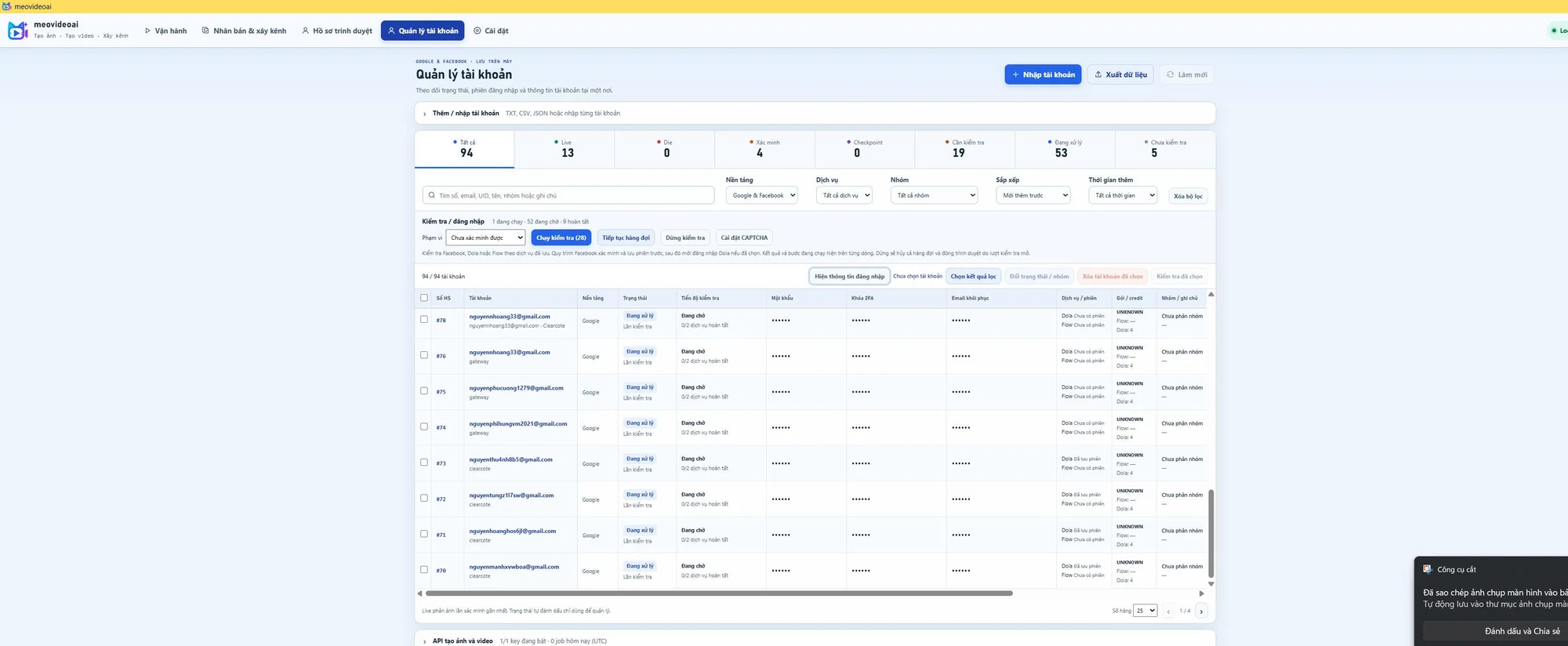
Create a project, choose a model and duration, enter a prompt, queue the task, and open the result in the same workspace.
Analyze the structure and prepare a storyboard before confirming generation.
View detailsKeep characters, settings, and storytelling consistent across episodes.
View detailsUSD prices use 25,000 VND/USD and are rounded up to whole dollars. Bank transfers are charged in the exact VND amount shown at checkout. International card payments are not available yet.